
Your First Issue
Issues can be either created directly on Drum or imported from GitHub or Linear.
Creating an issue on Drum
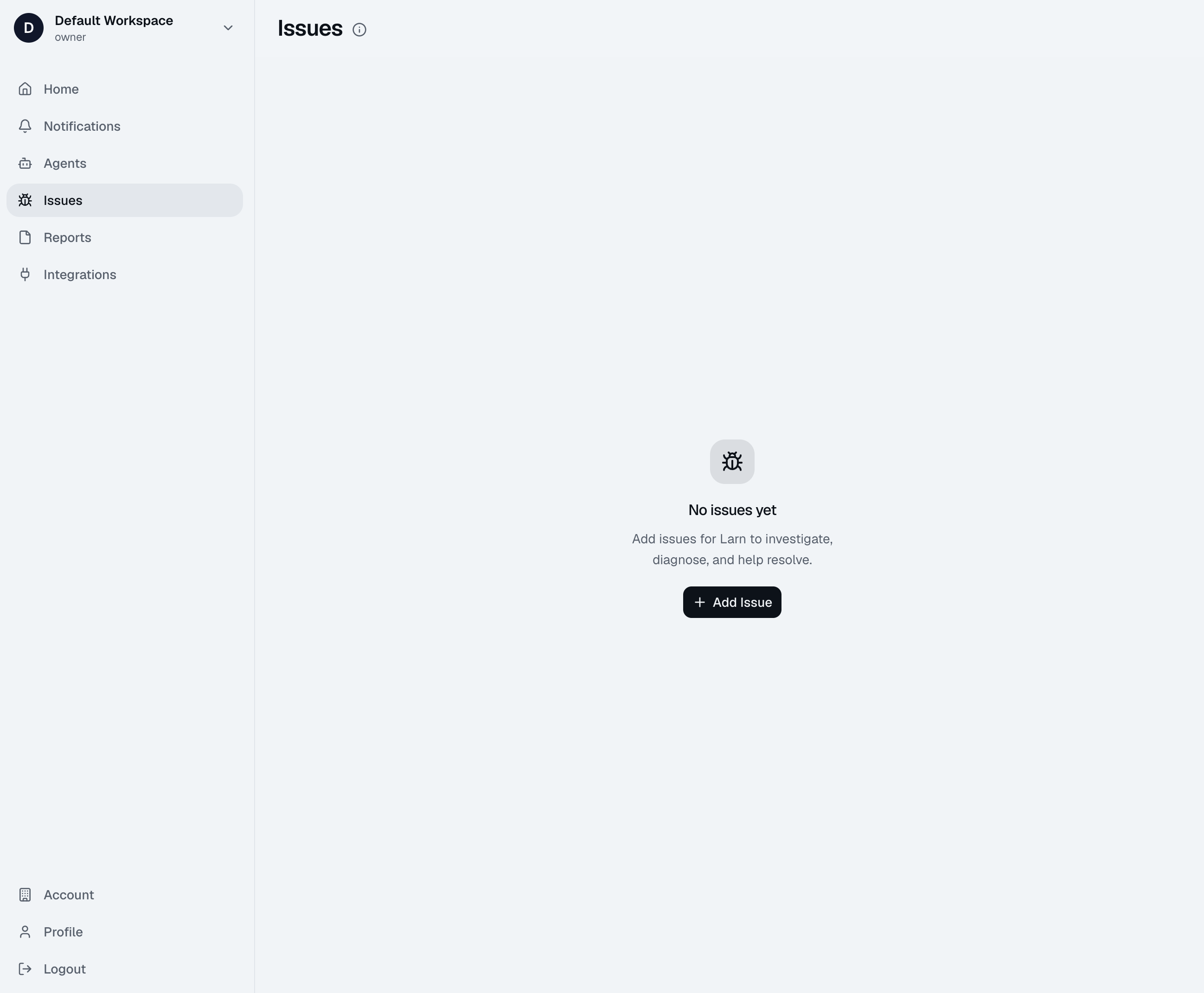
All workspace members can create and edit issues on Drum. To create an issue on Drum visit the Issues menu item on the left. Click the Add Issue button and add a title and description. You won't be able to add any repos yet until you've installed the Drum app.
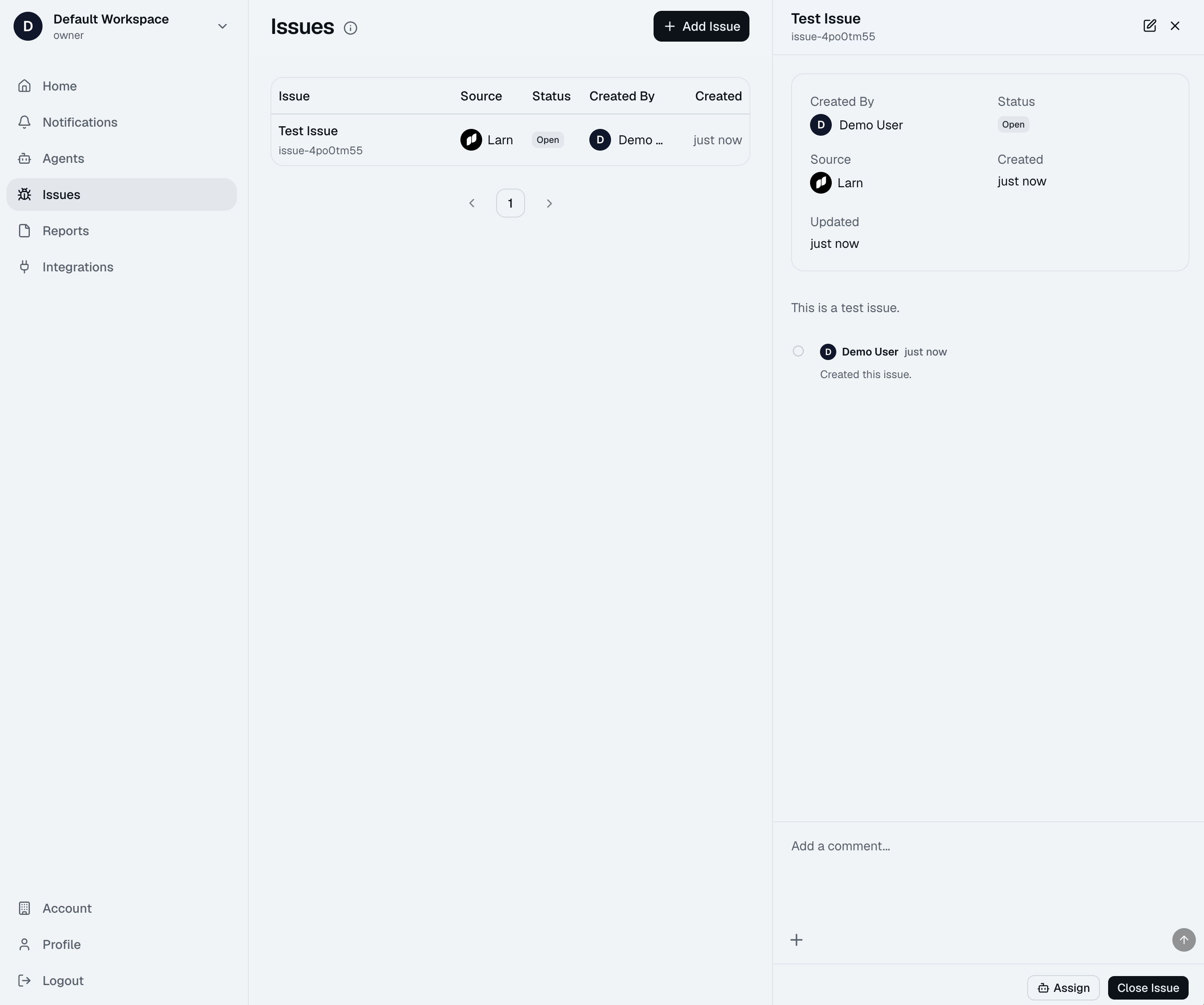
Once the issue is created it will be visible in the Issues table. Click on the issue to view the details.
Timeline
All workspace members can add comments to issues on the timeline. The timeline keeps track of all activity on an issue and serves as an important source of context for the agents when they run their investigations.
Files can also be uploaded to the timeline making it easy to provide server logs or images of the issue. Again, the agent will be able to see all of this context when they run their investigation.
Assigning an agent
When your team has finished its discussion of an issue and added as much context as possible then it's time to assign an agent to investigate. To assign an agent visit the click the Assign button and select the agent you want to investigate with.
If you haven't created an agent yet there will be an option to create one first. To learn how to create an agent click here.
When you have assigned an agent to an issue they will add a comment on the timeline to indicate that they are working on it. The agent will then start running their investigation and once they have finished they will add another comment to the timeline with a link to the report. This report can be accessed from the Reports section of the dashboard. To learn more about reports click here.